



Look again.
From every angle.
VAR runs on a laptop at the referee table. It finds the Recorder on its own and shows the fight that is happening right now, from every camera.
Everything it needs. Nothing in the way.
The same moment, everywhere
Every camera on every mat shows exactly the same moment. Pause, and they all stop together.
Back in one press
A few seconds or a few minutes back, without searching. One button returns to the live fight.
Slower than the eye
Down to a tenth of the speed, or picture by picture. You see who touched the mat first.
Right up to the grip
Zoom in on a hand, a foot or a collar. The picture stays sharp.
Keep a moment
Save the moment that matters and come back to it in one press.
Every fight of the day
Type a name. The fight opens from its first second, on whichever mat it was.
Up to six cameras
Pick cameras from any mats, put them in the order you like and choose which one is big.
A clip on a USB stick
Mark the start and the end and save the moment from every camera, ready to share.
Keeps calm
If the network drops for a moment, VAR says so clearly and reconnects on its own.
What it looks like
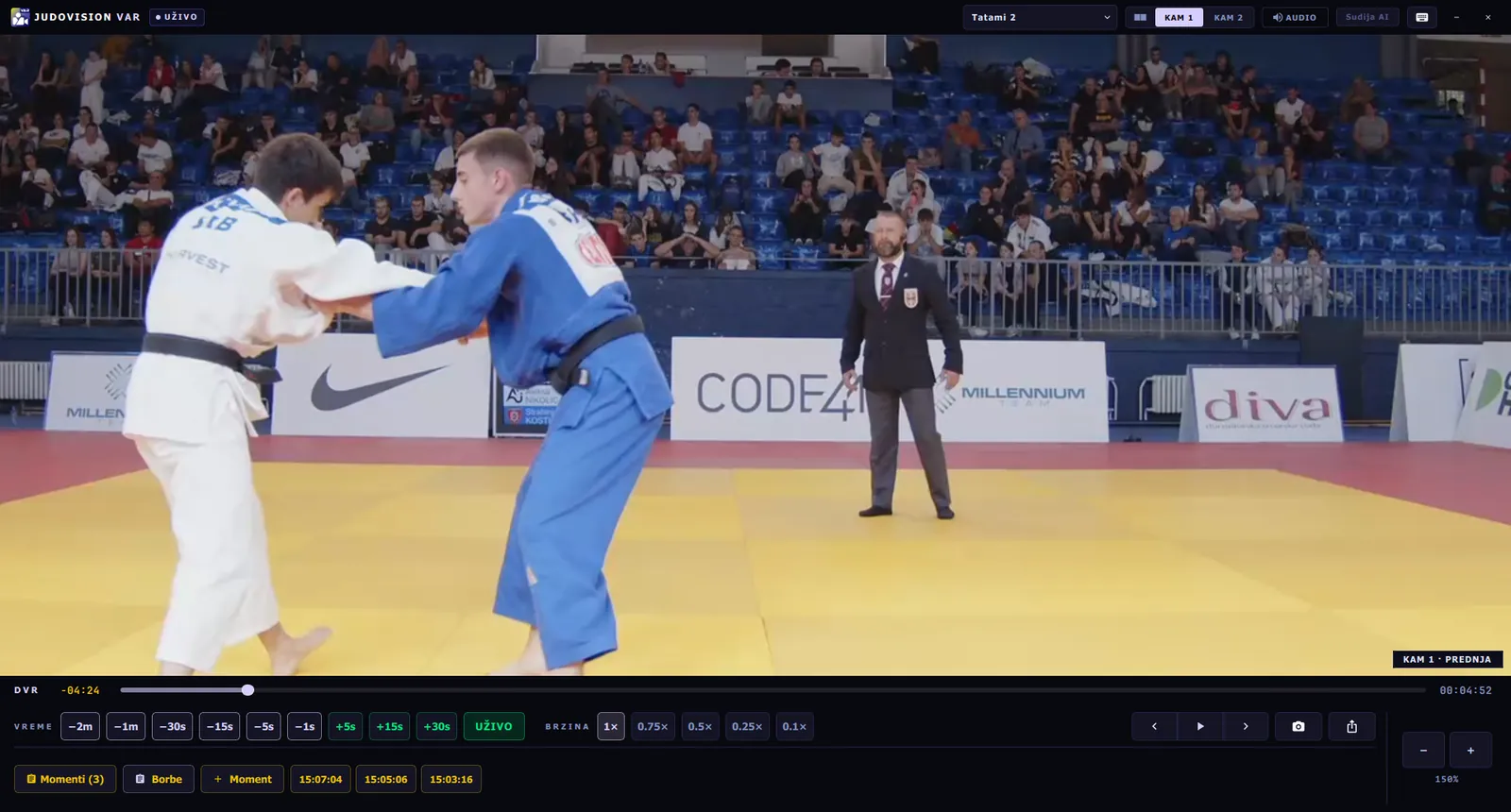
Zoom on the grip
One camera across the whole screen, zoomed in. One click brings the others back.
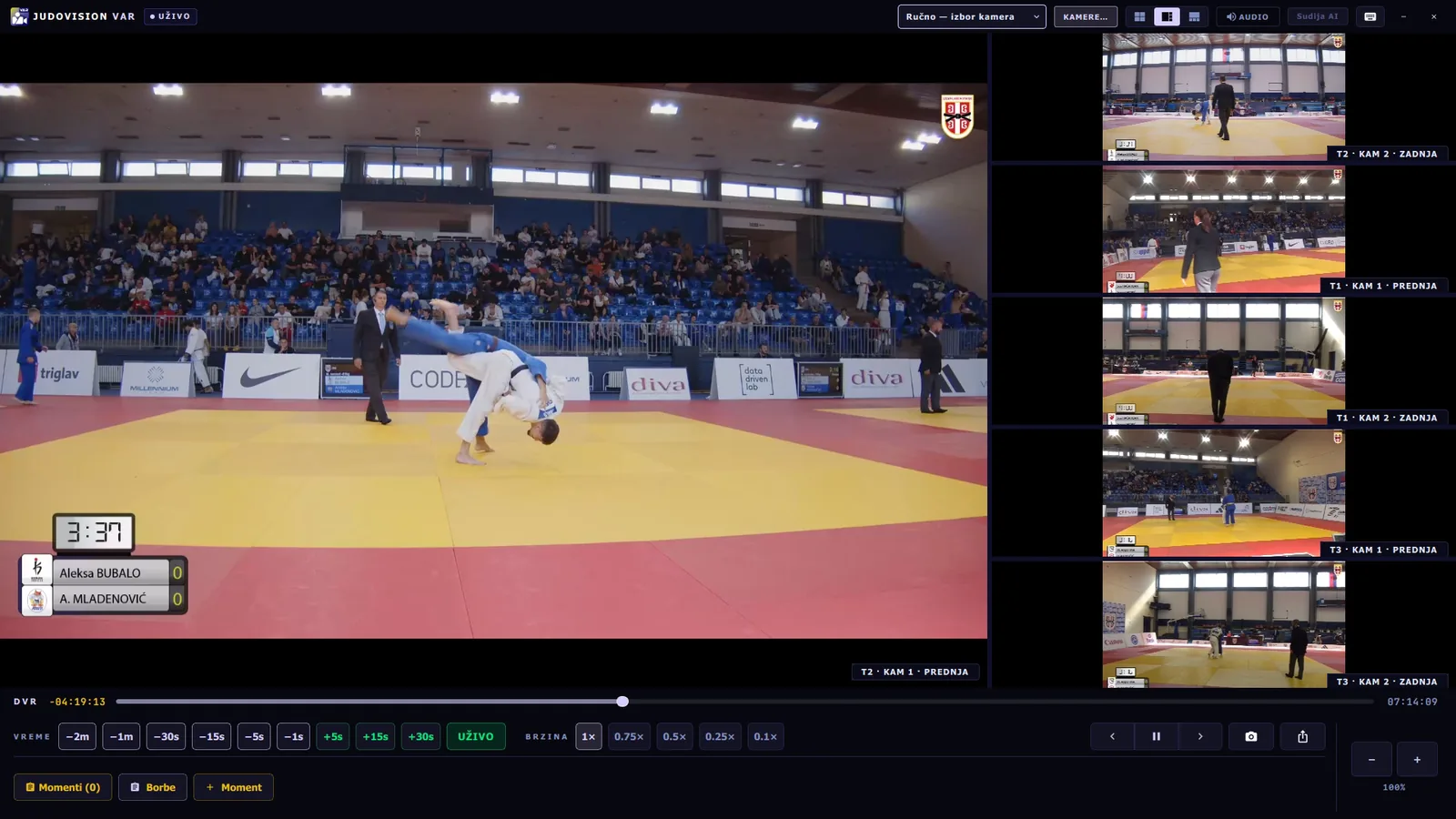
The whole hall at once
The head referee follows every mat and opens any of them with one click.
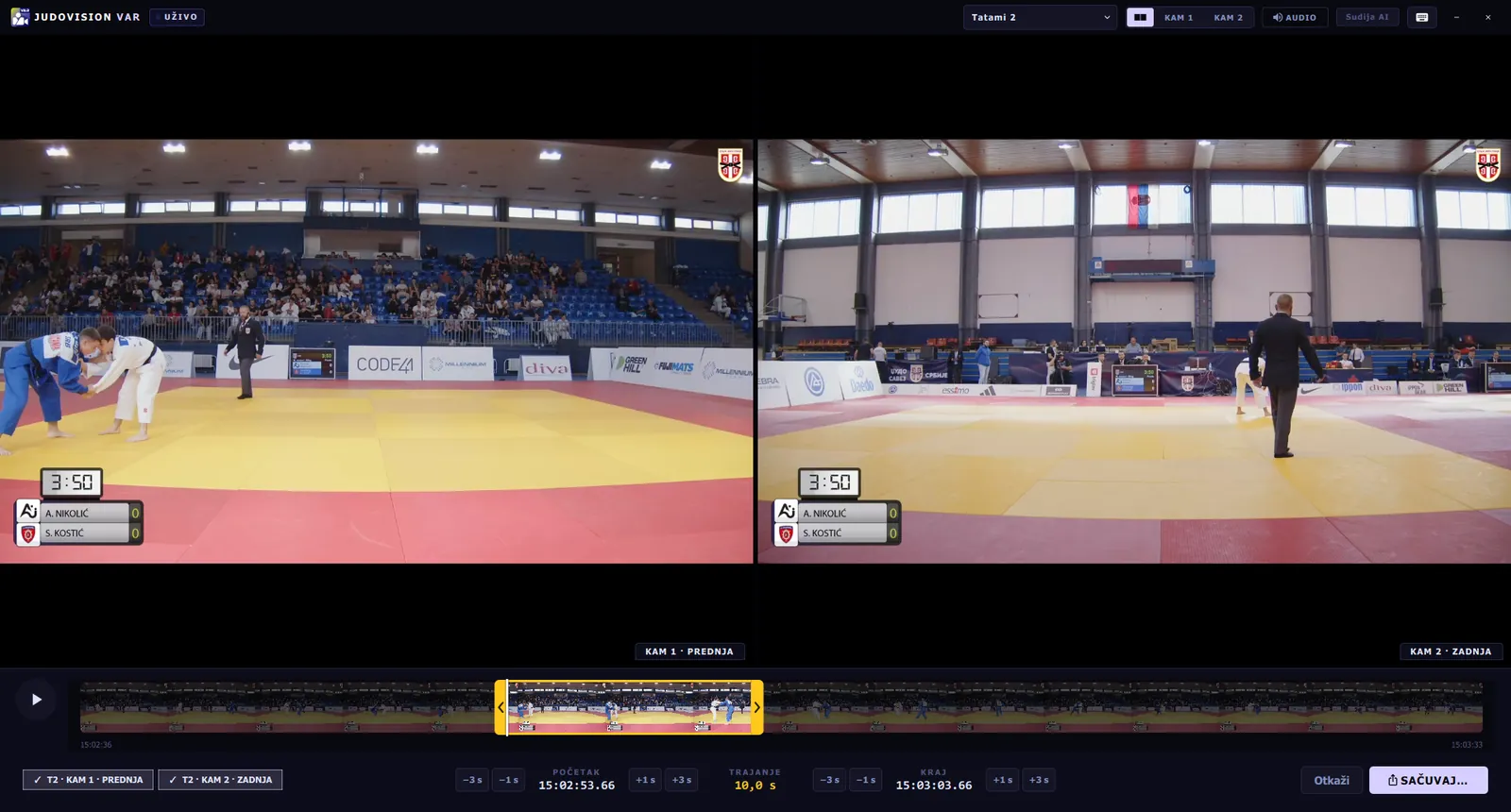
Ten seconds to keep
Move the yellow frame like on a phone, press save, and the clip is ready.
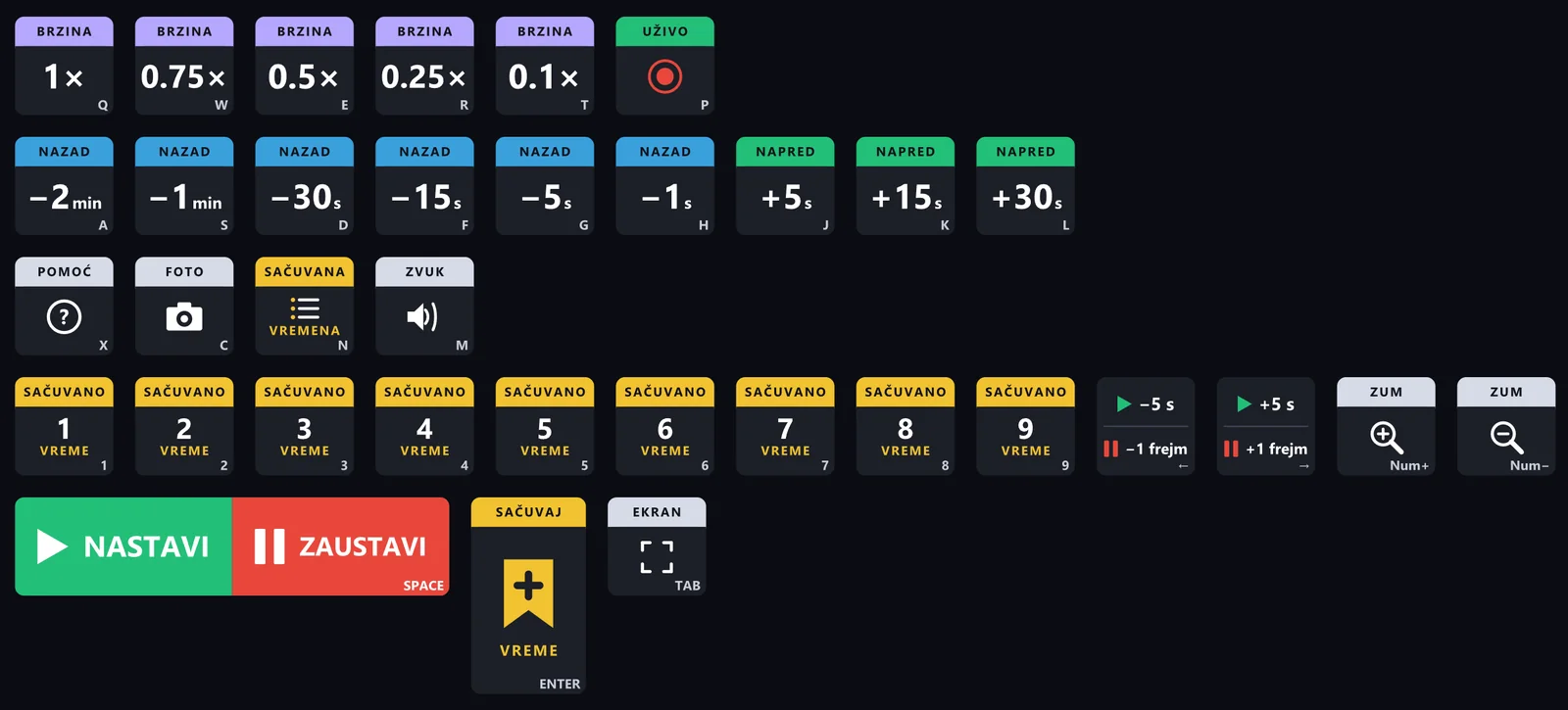
Every key is labelled.
No hunting for buttons on the screen. Back is blue, forward is green, speed is purple, and the space bar stops and plays.
- Stickers for a whole keyboard, ready to print
- Works just as well with the mouse
The rulebook, one question away.
Ask the way you would ask a colleague. The answer comes with the exact words of the IJF rules and the page, which opens with one click.
A hold-down scores ippon after 20 seconds. From 10 seconds it is waza-ari.
“Ippon: 20 seconds.”IJF Rules · Article 7

Bring JudoVision to your next competition.
We will show you the whole system live, on your cameras or on footage from a real competition. Half an hour is enough.